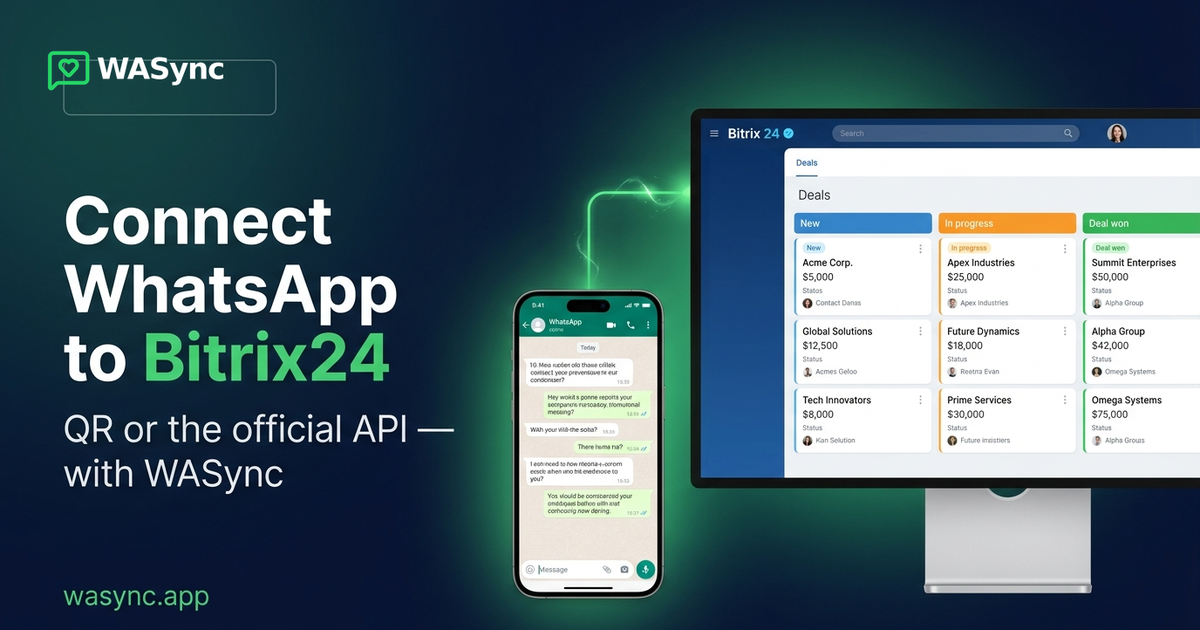
How to Connect WhatsApp to Bitrix24
The fastest way to connect WhatsApp to Bitrix24 is WASync. You have two routes: scan a QR code to link your existing WhatsApp number in minutes, or connect the official WhatsApp Business API (WABA) from Meta for templates and scale. Both put every message on the lead and deal, with AI replies written from your CRM data — on every plan, from $19/month. Here's how each method works and which to pick.
| WhatsApp QR | WhatsApp Business API (Meta) | |
|---|---|---|
| Setup time | ~5 minutes (scan a QR) | Meta verification (hours–days) |
| Phone number | Your existing WhatsApp number | A number on Meta's Cloud API |
| Best for | Getting live fast, small/mid teams | Templates, proactive outreach, scale |
| Message templates | — | ✅ Meta-approved templates |
| Start conversations proactively | Reply within the chat | ✅ Yes (template-initiated) |
| Phone must stay online | Yes (Linked Devices) | No |
| AI replies from CRM data | ✅ Included | ✅ Included |
| On the lead & deal + Open Lines | ✅ | ✅ |
| Price | from $19/month | from $29/month |
How do you connect WhatsApp to Bitrix24?
Install WASync from the Bitrix24 Marketplace, open it in your portal, and add a connection. Pick QR to scan and link your existing number in minutes, or the official WhatsApp Business API for Meta's Cloud platform. WASync then mirrors every WhatsApp message into Bitrix24 Open Lines and the CRM widget on the lead and deal.
How do you connect WhatsApp to Bitrix24 with a QR code?
Open WASync in Bitrix24, click Add Connection, choose the Open Line to link it to, and a QR code appears. On your phone, open WhatsApp → Settings → Linked Devices → Link a Device and scan it. In a few seconds the status turns Connected and messages flow both ways — no number migration, no Meta approval, live in minutes.
What is the official WhatsApp Business API for Bitrix24?
The WhatsApp Business API (WABA) is Meta's official Cloud platform for business messaging. With WASync you connect it to Bitrix24 to send Meta-approved templates, start conversations proactively, and run at higher scale without keeping a phone online. It's the right choice for outbound campaigns, notifications, and larger teams.
Should I use QR or the WhatsApp Business API?
Choose QR if you want to be live in minutes with your existing number — ideal for sales and support teams starting out. Choose the official WhatsApp Business API if you need approved templates, proactive outreach, or scale. With WASync you can start on QR today and move to the official API later, without changing tools.
Is connecting WhatsApp to Bitrix24 safe — can my number get banned?
WASync's QR method uses WhatsApp's own Linked Devices (the same as WhatsApp Web), not risky unofficial gateways, so your number stays in good standing. For the highest guarantees and proactive messaging, the official WhatsApp Business API from Meta is fully sanctioned. Either way you stay within WhatsApp's rules.
What can you do once WhatsApp is connected to Bitrix24?
Every WhatsApp message lands in Bitrix24 Open Lines and the CRM widget on the lead, deal, contact, and company. Your team replies from the CRM, sends files and voice notes, uses WhatsApp groups, triggers messages from workflow robots, and adds AI replies generated from your CRM data — all included from $19/month.
How much does it cost to connect WhatsApp to Bitrix24?
WASync is $19/month for WhatsApp QR and $29/month for the official WhatsApp Business API, per connection — AI automations included on both. Pay 10 months and get 2 free annually. Every connection starts with a 7-day free trial, no credit card required, plus a 7-day money-back guarantee.
Connect WhatsApp to Bitrix24 today
Start a free 7-day trial on the Bitrix24 Marketplace → wasync.app. Set up in minutes by QR, or go straight to the official WhatsApp Business API.
Ready to get started with WASync?
Connect WhatsApp Business to Bitrix24 in minutes. Start your 7-day free trial today.